Kindware logo
$ pip install productivity

Developer Tools That Just Work

Lightweight Python CLI utilities for file management, project cleanup, and automation. One-time purchase, no subscriptions, no bloat.

Available Packs

Kindware Core CLI Pack

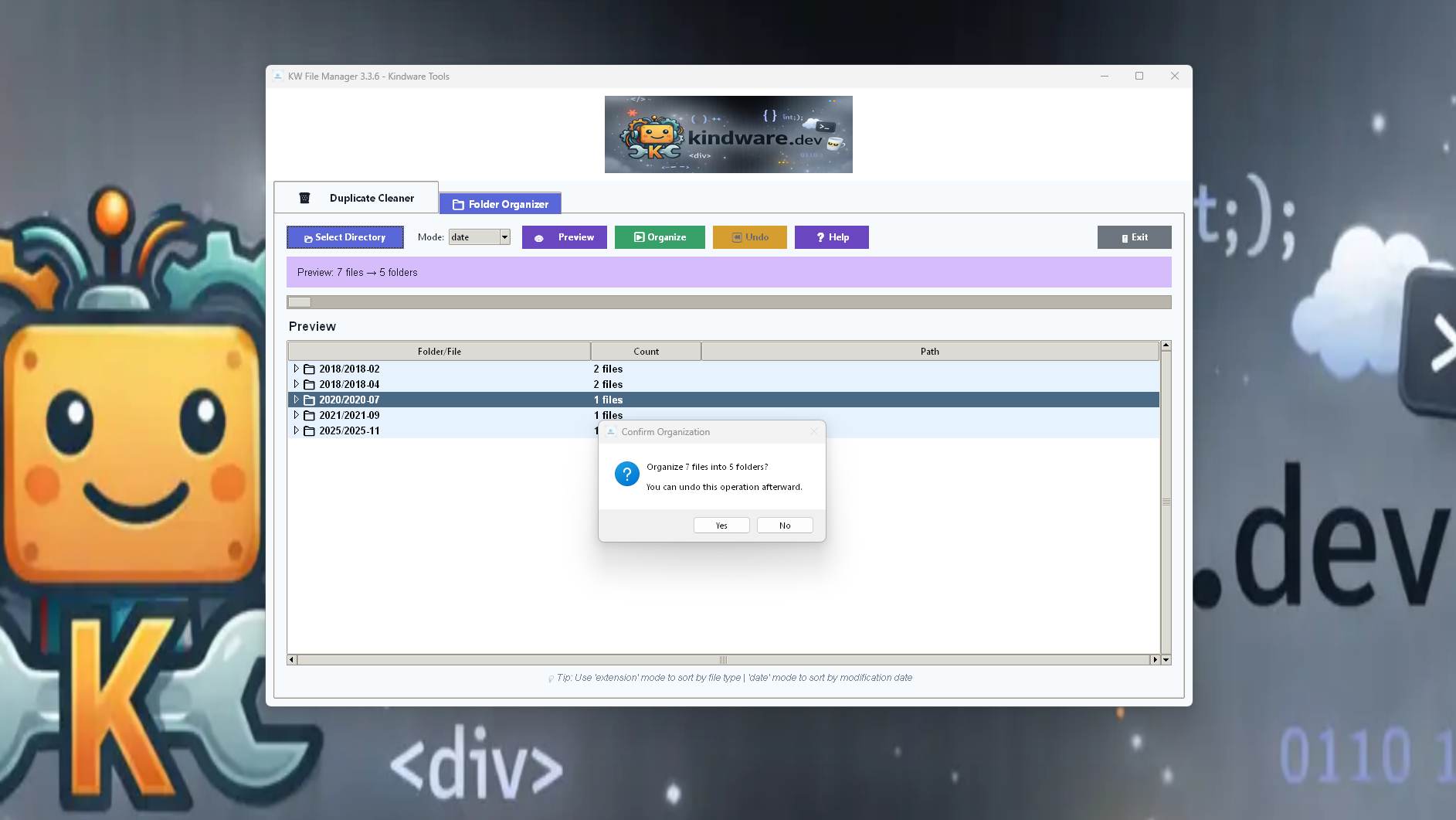
Essential tools for everyday file and project management. Includes folder organizer for automatic file sorting, batch renamer for bulk file operations, project cleaner for removing build artifacts, and gitignore builder for version control.

  • Folder Organizer
  • Batch Renamer
  • Project Cleaner
  • GitIgnore Builder

Kindware Audit & Snapshot Pack

Track, compare, and verify your project files with confidence. File indexer for cataloging, folder snapshot for state capture, diff snapshot for change detection, and hash generator for integrity verification (MD5, SHA256).

  • File Indexer
  • Folder Snapshot
  • Diff Snapshot
  • Hash Generator

Kindware Dev Utilities Pack

Streamline your development workflow with smart automation. Environment file generator for .env configuration, command logger for terminal history tracking, and gitignore builder for repository setup.

  • Env Generator
  • Command Logger
  • GitIgnore Builder

Kindware File Productivity Pack

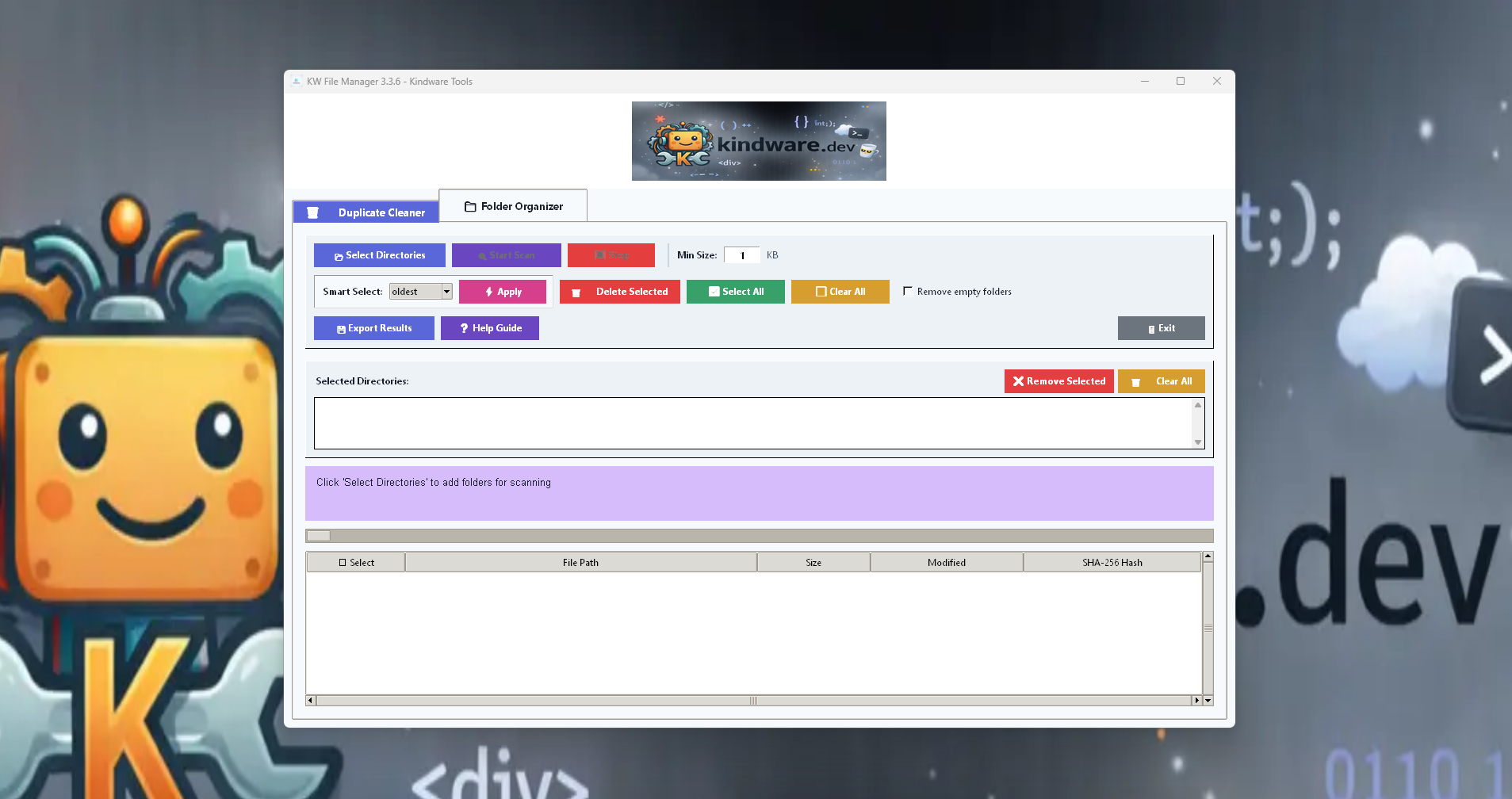
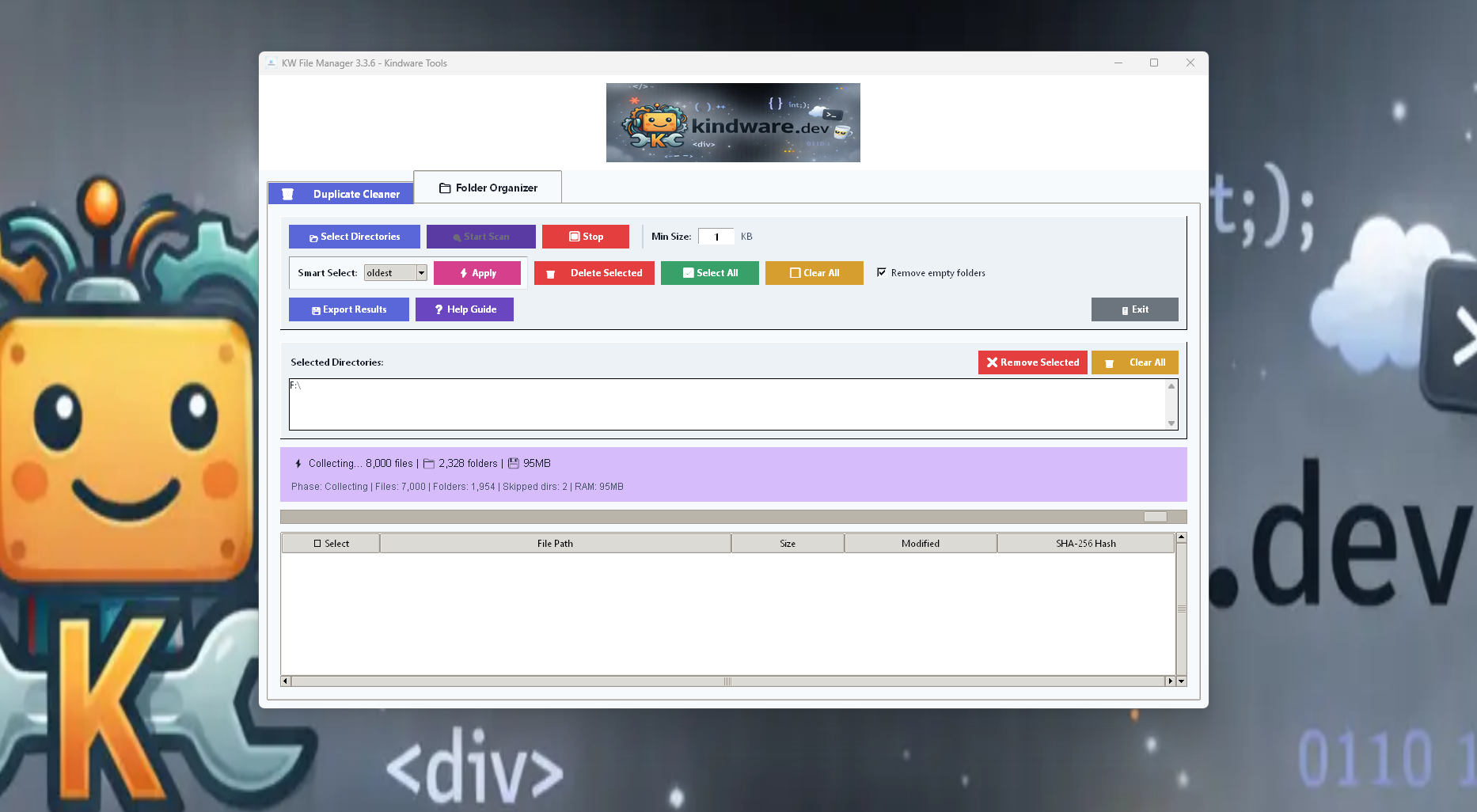
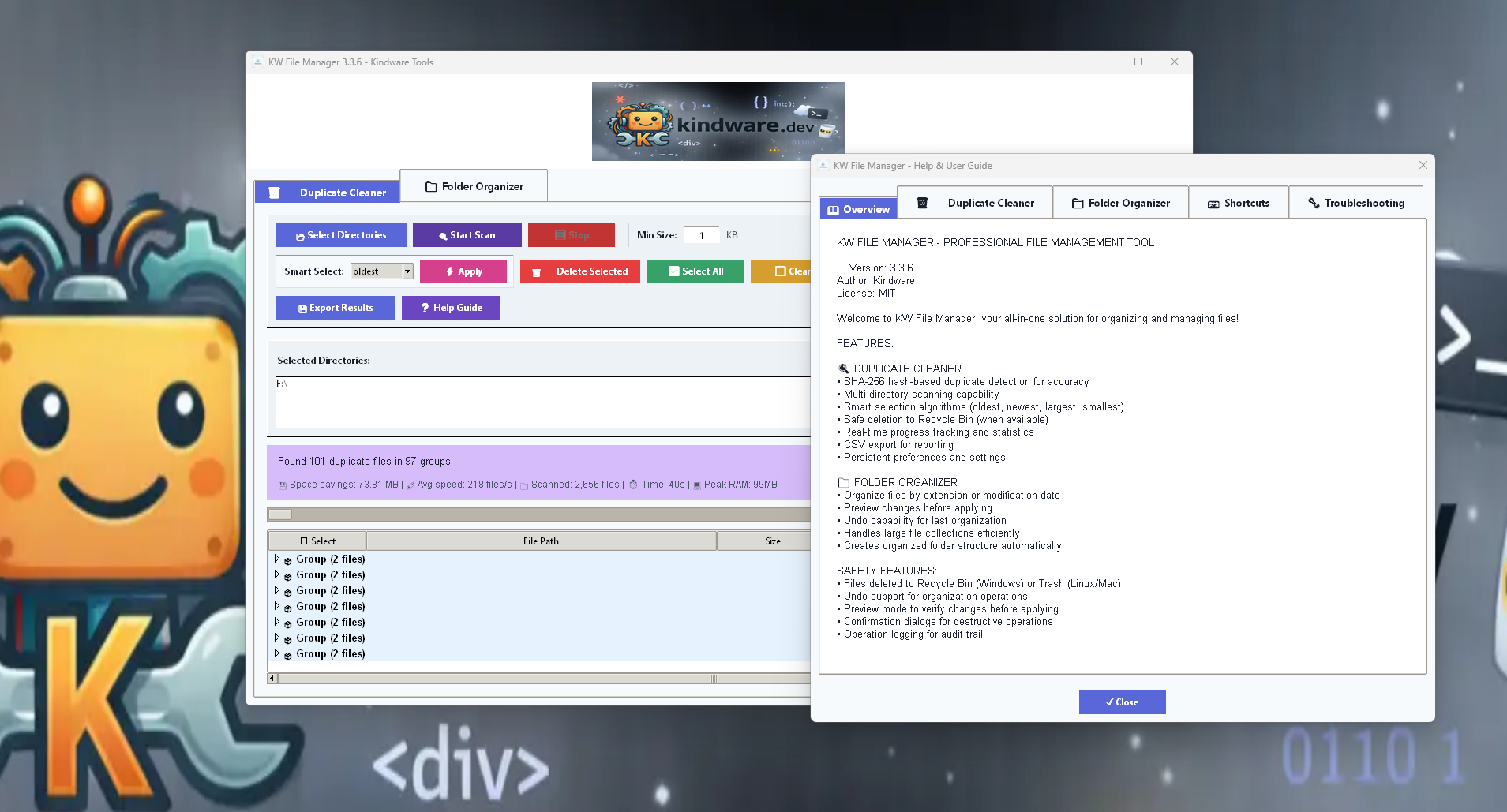
File management, PDF extraction, clipboard, and duplicate detection. PDF to text extractor, clipboard manager for copy/paste history, duplicate file finder for disk cleanup, and file type analyzer for storage insights.

  • PDF to Text Extractor
  • Clipboard Manager
  • Duplicate Finder
  • File Type Analyzer

How it Works

  1. Download the pack

    Get your chosen tool bundle as a simple download.

  2. Run the tool with Python

    Execute directly from the command line with Python 3.

  3. Use --help / --dry-run for safe operation

    Preview changes before applying them to your files.

About Kindware

Kindware is a personal learning project focused on building practical, local automation tools for developers. Each tool is designed to solve a specific problem with minimal dependencies and maximum predictability. These CLI utilities prioritize simplicity, cross-platform compatibility, and user control. All tools are developed as part of ongoing exploration of software design, Python development, and practical automation patterns.

Contact

Email: support@kindware.dev

Best-effort support. No SLA.

FAQ & Examples

Frequently Asked Questions

How do downloads work?
After payment you return to a Kindware thank-you page, your payment is verified, then the correct download button appears.
Do I need to create an account?
No. Purchase is one-time and download is immediate after verification.
Do I need Python installed?
These packs are lightweight tools. Most scripts require Python 3.10+ (Windows/Linux). Each tool's README explains requirements.
Can I run this on Windows and Linux?
Yes. Tools are designed to run on Windows or Linux; usage is standard CLI.
I paid but can't download—what do I do?
Email support@kindware.dev with the email used at checkout and the pack name.

How Purchases & Downloads Work

One-time purchase only. No subscriptions, no recurring charges.

1. Click Buy and complete payment via Stripe Checkout.

2. You're redirected to a thank-you page with your session ID.

3. Payment is verified automatically.

4. Your download button appears immediately on the site.

Bundle Contents

  • Kindware-Core-CLI-Pack-1.0.0.zip
  • Kindware-Audit-Snapshot-Pack-1.0.0.zip
  • Kindware-Dev-Utilities-Pack-1.0.0.zip
  • Kindware-File-Productivity-Pack-1.0.0.zip
  • Kindware-File-Manager-Pack-1.0.0.zip

Quick Start

What you receive: Each pack is a ZIP containing the tools, README, and VERSION file. All 5 packs include cross-platform utilities for Windows and Linux.

Windows:

python kw_folder_organizer.py "C:\Path\To\TargetFolder" --dry-run --verbose

Linux:

python kw_folder_organizer.py "/home/user/Downloads" --dry-run --verbose

Examples

KW Folder Organizer:
python kw_folder_organizer.py "C:\Path\To\TargetFolder" --dry-run --verbose
python kw_folder_organizer.py "/home/user/Downloads" --dry-run --verbose
KW File Indexer:
python kw_file_indexer.py "C:\Path\To\Project" --verbose
python kw_file_indexer.py "/home/user/project" --verbose
GitIgnore Builder:
python kw_gitignore_builder.py --template python --output .gitignore
KW File Type Analyzer:
python kw_file_type_analyzer.py "C:\Path\To\Folder" --top 15 --sort size
python kw_file_type_analyzer.py "/home/user/folder" --top 15 --sort size

One-time purchase. Digital download. Secure checkout powered by Stripe.

Screenshot preview